Finding information on the World Wide Web
Millions of computers joined to the Internet hold information on them. The system that keeps this information as pages and lets people all over the world read those pages is called the World Wide Web (WWW). The trouble is that there is far too much of it. We almost never know which computer holds the page we want, or what that page is called. So along with a system that stores information, we need a tool that finds it for us. That tool is the search engine.
What a search engine is
Search engine: a communicating program that searches for information through the World Wide Web (WWW). It is a software system that takes the information kept on the Internet and supplies the user with the details they need.
To get information on any subject, a search engine can be used to find the website address that carries it. A refined search made with a search engine shows only material related to the subject asked for, so a targeted search becomes possible in very little time. Searching this way also makes it easier to separate official material from the rest, and to see which material carries copyright and which does not.
A search engine is itself a special kind of software, and it is used in the form of a website. Out of the vast store of information available on the Internet, it helps a user pick out the information they actually need.
Searching with a key word
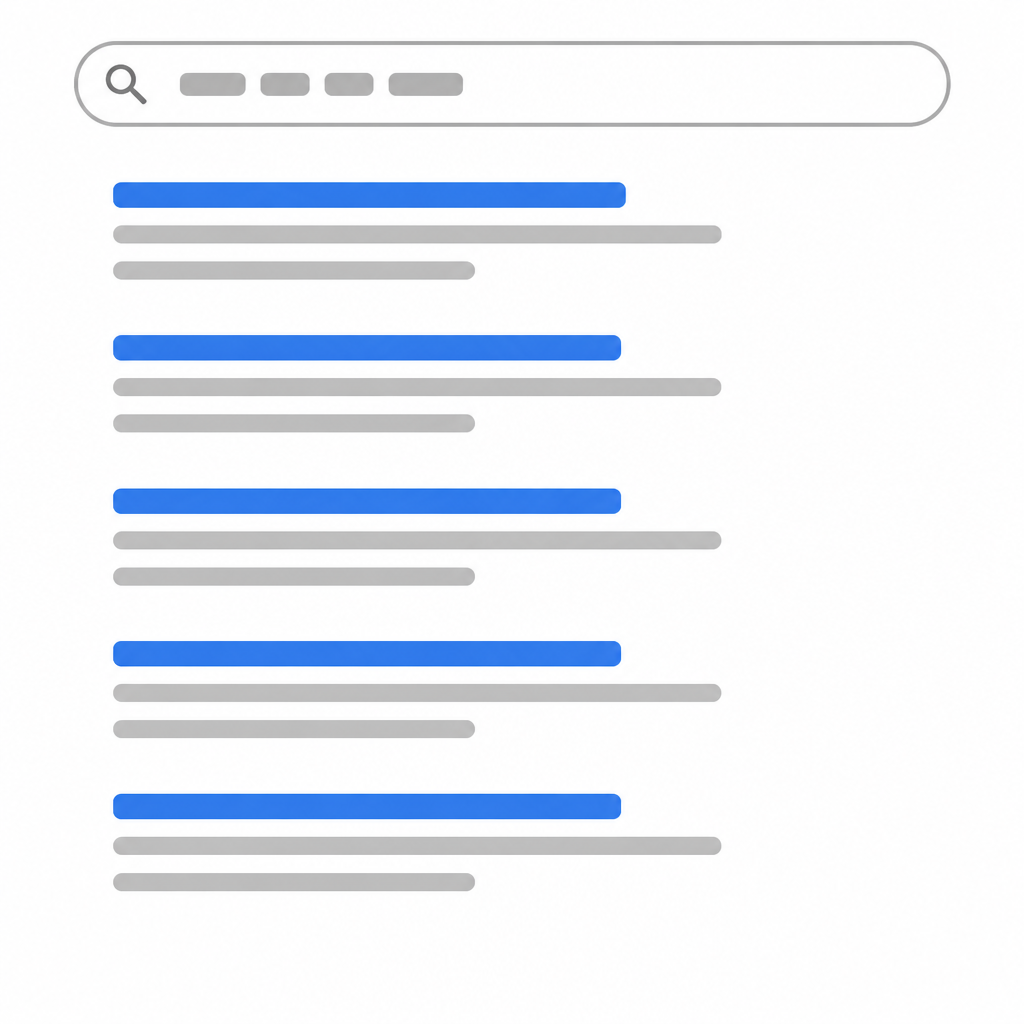
The material we need is published on many different websites, and we may not know the name of any of them. Even without knowing a website address, we can search by typing in a word. The word we type is called the key word. Searching for the website of the Curriculum Development Centre is done like this:
- Open a browser and click on its search bar.
- Type the key word Curriculum Development Centre into the search bar.
- Press the enter button to run the search.
- After the search runs, a number of links appear on the screen. Among them, look for the link that reads moecdc.gov.np.
- Click on that link to enter the website, and look there for the study material you need.
Some common search engines
Of the search engines in use today, the one most people use is Google. Because it is used so much, looking something up has come to be spoken of simply as googling it. Alongside its search engine, Google provides other services too, such as email and Google translator, which turns writing from one language into another. Some of the main search engines are these:
| Search engine | Address |
| www.google.com | |
| Yahoo | www.yahoo.com |
| Bing | www.bing.com |
| Ask | www.ask.com |
| AltaVista | www.alvista.com |
What a website is
Website: one central place where a number of web pages are collected together, holding the information that belongs to the organisation that owns it.

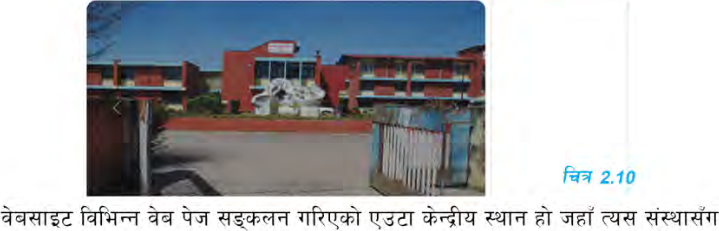
Any government or non government organisation, any business and any individual can make a website on the Internet. There are a great many websites today, and different organisations keep their own information on them. Website addresses begin with www. The full form of www is world wide web.
The web address, or URL
No organisation's website is the same as any other website in the world. Because of that, every organisation's website has one fixed address of its own. This address is called the Web address, or the Universal Resource Locator (URL). For example, www.moecdc.gov.np is a website, and the information kept on it belongs to the Curriculum Development Centre.
One wrong letter or one wrong dot in a web address takes you to a different website, or to no website at all. So type the address exactly as it is, with no spaces left inside it.
No two websites in the world share one address. If you know the address, you can open the website directly, without a search engine at all.
The parts of a website
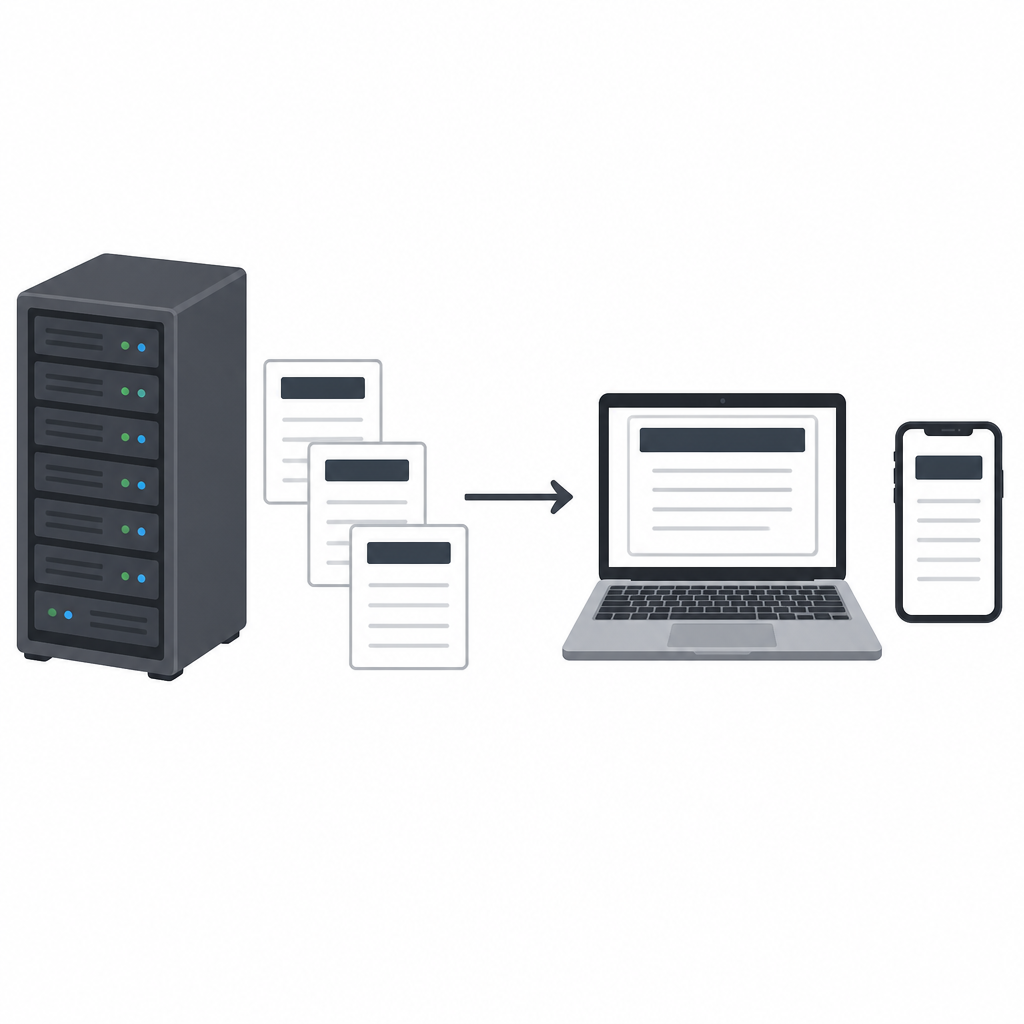
A website is a collection of web pages hosted on a web server. It has the following parts:
- Web hosting: web hosting is the place where the website sits. The web pages are hosted on a web server. The web server is the set of files sent to the user's computer, and those files specify the address of the website.
- Address: the address of a website is also called its URL. When users want to open a website, they have to put the website's address, or URL, into the web browser, and the website they asked for is delivered by the web server.
- Home page: the home page is the first and the most important of the web pages. It is what appears first when a user visits the website. The home page settles the look of the website and gives the user the various links that lead to the rest of its pages.
- Digital content: every web page inside a website carries digital content of various kinds. Good content on a web page makes the website more effective and more attractive.
- Navigation structure: the navigation structure of a website is the order of its pages. It is also the collection of facts about what that website is linked with.
Web browsers
Browser: software that asks for the pages of a website and shows them on the screen. To go to any website at all, a browser is needed on the mobile or the computer.
Among the browsers in wide use are Google chrome, Microsoft edge, Safari and Mozilla firefox. If an address is typed into the browser's search bar, the website opens directly, and if a word is typed instead, the search engine goes looking for it.
A browser and a search engine are not the same thing. Google chrome is a browser and www.google.com is a search engine. The browser is software installed on your device, while the search engine is a website out on the Internet.
The Internet Service Provider (ISP)
Internet Service Provider (ISP): a company that gives individual customers and business customers access to the Internet.
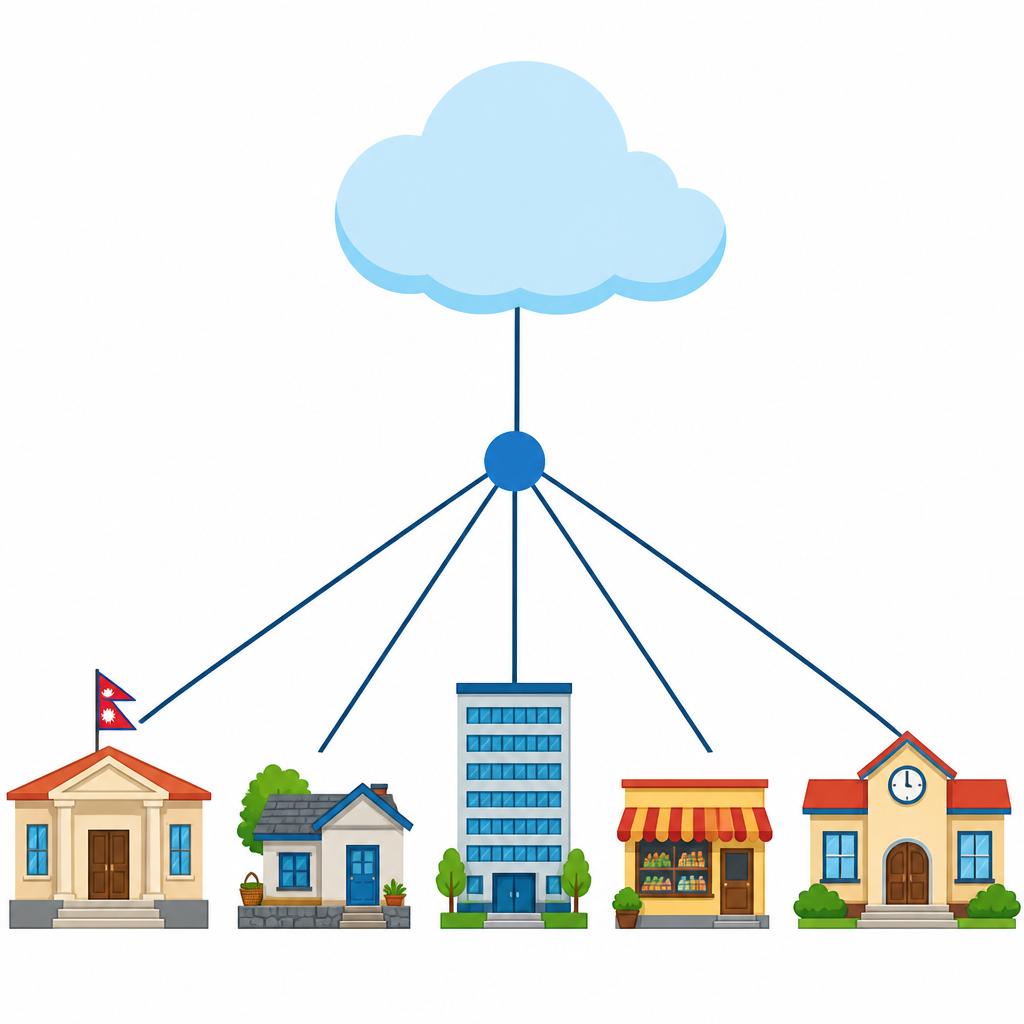
An ISP makes it possible for its customers to search the web, to shop online, to run a business, and to keep in touch with family and friends by digital means. An ISP may also provide other services, such as email, domain registration, web hosting and a browser package.

To use this service, the customer pays the ISP a fixed amount according to the package taken. The amount differs with the quantity of data the customer uses, and with the data plan they choose to buy. An Internet Service Provider is also known as an Internet access provider, or as an online service provider. An ISP is counted as an information service provider, a storage service provider, an Internet network service provider (INSP), or a mixture of all of these.
How Internet service reached ordinary people
In its early stage, Internet service was limited to a few government agencies and to some departments of particular universities. Towards the end of the 1980s, technology was developed to give the general public access to the Internet as well, through the World Wide Web. Telenet is the world's first Internet Service Provider (ISP), and it began its service in 1974. In the case of Nepal, the Mercantile company was the first to start Internet service, in 1994.
What an ISP offers its customers
- An ISP provides a high speed Internet service.
- Most ISPs give their users an email address.
- Most ISPs provide their customers with protection against problems such as phishing and malware.
- Some ISPs provide a web hosting service as well.
Three different things do three different jobs: the ISP connects you to the Internet, the browser shows you the pages, and the search engine finds the page you want.
The full lesson is waiting for you
The notes are free to read in full. A free account opens the rest of the practice, and tracks your progress and confidence score for every subject. Presentations and videos need approval from Learn Yeti.