What Cyber Crime Is
Study, shopping, banking, news and talking to friends all happen on the internet today. The same tool that makes life this easy can do serious harm when it is used with a bad intention. When a computer, a mobile phone or the internet is used to damage somebody's money, reputation or peace of mind, that is not a joke. It is a crime.
Cyber crime is any crime committed against a person or a group through an electronic medium that damages their reputation or causes them physical or mental injury. It is also called computer crime.
In a cyber crime the computer is used for an unlawful purpose. Stealing intellectual property, stealing somebody's identity and breaking into private information all belong here. Banks and financial institutions, government websites and well known people are the usual targets, and the attack reaches them through the internet. An attack on the information of a person, an institution or the government is what cyber crime means, and the law treats it as a serious offence.

Common Forms of Cyber Crime
Cyber crime does not come in only one shape. The forms listed below are the ones met most often, and a student should be able to recognise each of them.
- Identity theft: misusing somebody's personal information in order to reach a financial service without permission, or to steal their money outright, is identity theft.
- Cyber terrorism: a cyber crime carried out to cause serious harm of any kind to a person, a group of people or a government, or to collect money from them by force.
- Cyber bullying: using an electronic medium such as social media, or a mobile phone, to threaten somebody, frighten them, harass them, damage their good name or give them mental pain in any other way.
- Hacking: shutting down or misusing a website or a computer network by dishonest means is called hacking.
- Defamation: everybody has the right to speak on an internet platform. But if what a person says damages the good name of another person or of an institution, it counts as defamation, and that too is a kind of cyber crime.
Besides these, obscene material spread on the web, cruelty, harassment and the causing of pain, the spreading of hatred and the encouraging of terrorism, the distribution of obscene material involving children and the drawing of minors towards sexual matters are all cyber crimes as well.
Spoiling a friend's photo or sending it round a group with a mocking name is not fun. It is cyber bullying, and the law treats it as a punishable act. Saying that it was done for fun does not change what it is.
The Computer Code of Conduct
Knowing how to use a computer is one thing, and using it in the right way is another. Technology becomes safe only when a user knows which action is allowed and which is not. The table below separates the two.
| Things you may do | Things you must not do |
| Listen to songs, watch videos and read the news | Share or download material that belongs to somebody by copyright |
| Open an account in your own name and look for study material | Open a fake account using somebody else's name |
| Keep your own password strong and secret | Steal another person's password and open their account |
| Download software only from a trusted website | Click an unknown link and download the file it offers |
The computer code of conduct means following the policies and rules that govern the use of computer technology. It forbids acts against those rules, such as cheating a user or trapping a user into wrongdoing.
Every user of Information and Communication Technology, whether a programmer, an operator or an ordinary user, has to follow the computer code of conduct. Where it is broken, a terrible accident can follow at the personal, local, institutional, national or even international level. Nobody should use a computer, a smart mobile phone or a tablet with the intention of hurting another person, and nobody should steal or spoil information, software, a data file or any personal or shared record, or do something dishonest with a computer virus. Following the code of conduct is the duty of every one of us.
Rules to Follow When Using a Computer
- (a) Without permission, do not look for, open, spoil, delete, copy or use anybody else's personal file or record, and never steal anybody's computer password.
- (b) Do not make a virus and do not use one.
- (c) Do not break the privacy of a computer.
- (d) Do not give out information that is false.
- (e) Do not publish unlawful matter in electronic form.
- (f) Do not change a personal or shared record kept by any office or organisation without permission.
The Idea of Cyber Law
A code of conduct teaches what should not be done. What happens when somebody ignores it is decided by law, and the branch of law that deals with this area is cyber law.
Cyber law is the area of law that deals with the internet and with technical and electronic things such as computers, software, hardware and information systems. It is also called internet law.
Cyber law protects access to information, privacy, communication, intellectual property and freedom of speech connected with the use of the internet, websites, email, computers, cell phones, software and hardware. By doing so it stops or reduces the large scale damage caused by criminal activity online, and it gives legal protection to every person who uses the internet. That is why understanding it matters to anybody who goes online at all. In plain words, cyber law is the legal arrangement for fighting computer crime and harassment, and it carries strict provisions for punishing a cyber criminal. It also gives legal standing to a digital signature and to an electronic document, which are then used in electronic banking, in buying and selling and in business. In this way it creates the rules on which a justice system for computer crime is built.
The first cyber law of Nepal was the Computer Fraud and Abuse Act, which came into force in 1986. In 2004 Nepal passed the much awaited Electronic Transaction and Digital Signature Act Ordinance, and this is taken as the cyber law of Nepal. The Government of Nepal has also passed the Electronic Transaction Act 2063 and the Electronic Transaction Regulation 2064. The main areas covered by cyber law include computer crimes such as hacking, digital signatures, the Internet of Things and identity theft.
Cyber Law in Nepal
As cases of cyber crime kept rising in Nepal, a separate law became necessary. The Electronic Transaction Act deals with the different offences of cyber crime, and the main punishments it lays down are these.
- Knowingly pirating or destroying a computer system without authority is punished with imprisonment of up to three years, or a fine of two lakh rupees, or both.
- Reaching into any computer system without authority is punished with imprisonment of up to three years, or a fine of two lakh rupees, or both.
- Knowingly damaging the data in a computer system is punished with imprisonment of up to three years, or a fine of two lakh rupees, or both.
- Publishing illegal material through an electronic medium is punished with five years of imprisonment, or a fine of one lakh rupees, or both.
- Committing computer fraud is punished with two years of imprisonment, or a fine of one lakh rupees, or both.
Besides that act, the Child Rights Act of Nepal forbids the taking of any immoral picture of children, and it also forbids the publishing and distribution of any picture of children. The Copyright Act protects the copyright of ideas, computer programs included, and stops a person from copying somebody's original work, altering it and using it for personal gain. The Individual Privacy Act makes public institutions responsible for protecting the personal data of a person, and they may not hand such data to anybody without the consent of its owner. Under this act, transferring somebody's data without consent and so breaking their privacy is punished with three years of imprisonment, or a fine of thirty thousand rupees, or both.
All the laws Nepal has issued against cyber crime are still not enough. The country needs to deal with the weaknesses left in them and to encourage its citizens to report cases of cyber crime. Among the other areas of cyber space, e-commerce, social media and cyber terrorism also need a wider law.
Being the victim of a cyber crime is not your fault. Telling a parent, a teacher or the police is the right step, and hiding it is not, because a law grows stronger only from the cases that are actually reported.
Internet Security
In today's digital world a great many of our daily activities depend on the internet. Communication, entertainment, money matters and much other work are finished online. That means a large amount of data and sensitive information is being shared over the internet all the time. The internet is usually private and safe, yet it can also be an unsafe channel for exchanging information. The risk from cyber criminals is high, so internet security matters just as much to an individual as it does to a business.
Internet security is the security that concentrates on the special dangers and weaknesses of online access and internet use. It covers browser security, the safety of data entered through a web form, and the authentication and protection of data sent through internet protocols.
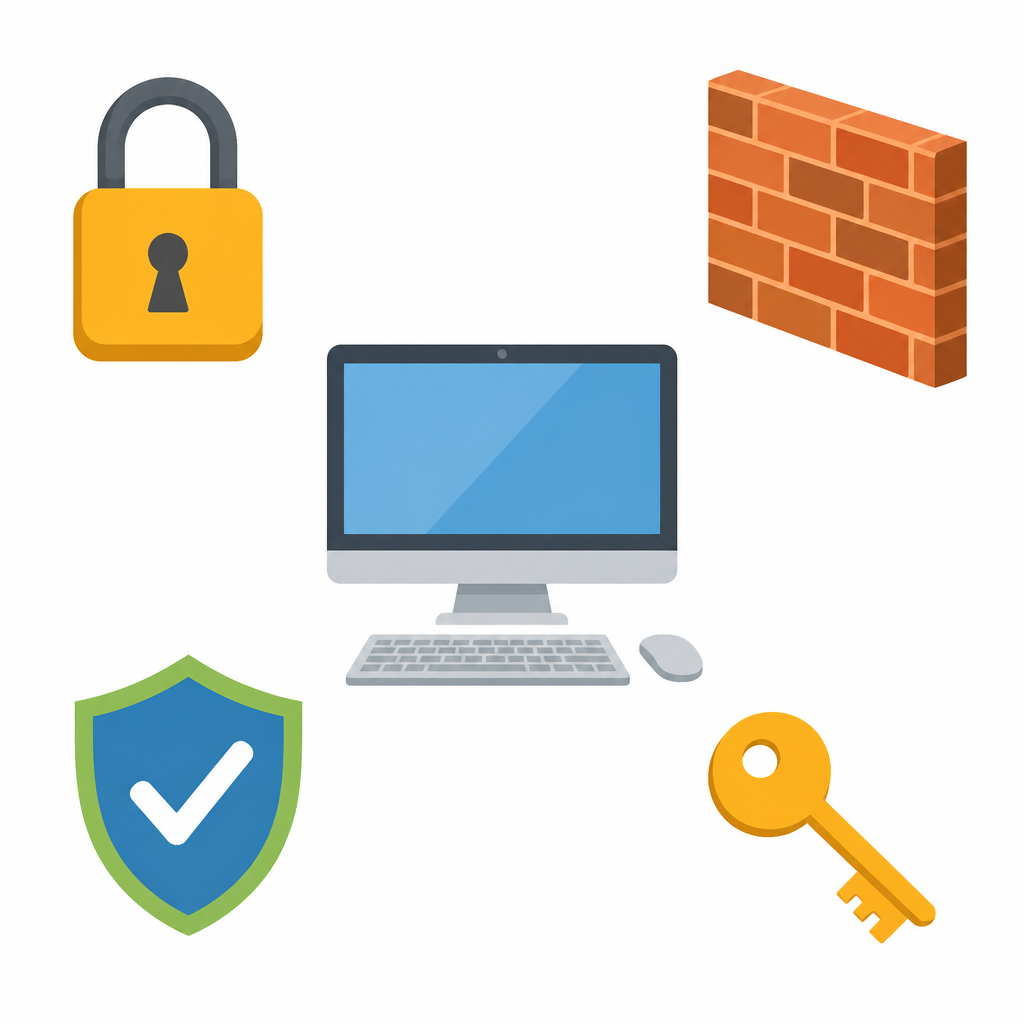
Different security strategies are used to protect the activities and the transactions we carry out over the internet. Their job is to save the user from dangers such as a hacker breaking into a computer system, an email address or a website. Using various pieces of software on the internet, a hacker can go as far as stealing personal data such as bank account details and credit card numbers. Internet security is a branch of computer security, and it takes in the internet itself, browser security, website security and network security. Its purpose is to find the measures that protect us against the different attacks made through the internet.
Risks to Internet Security
A danger can be avoided only after it is recognised. The main dangers met while using the internet are given below.
Malware: it comes in many forms, such as computer viruses, worms, trojans and spyware.
Computer worm: a software program that copies itself from one computer to another. No human action is needed to make those copies, so it can spread fast and in huge numbers.
Spam: the unwanted messages that arrive in our email inbox. They are generally taken to be harmful, because they often carry links that can quietly install unwanted software on the computer.
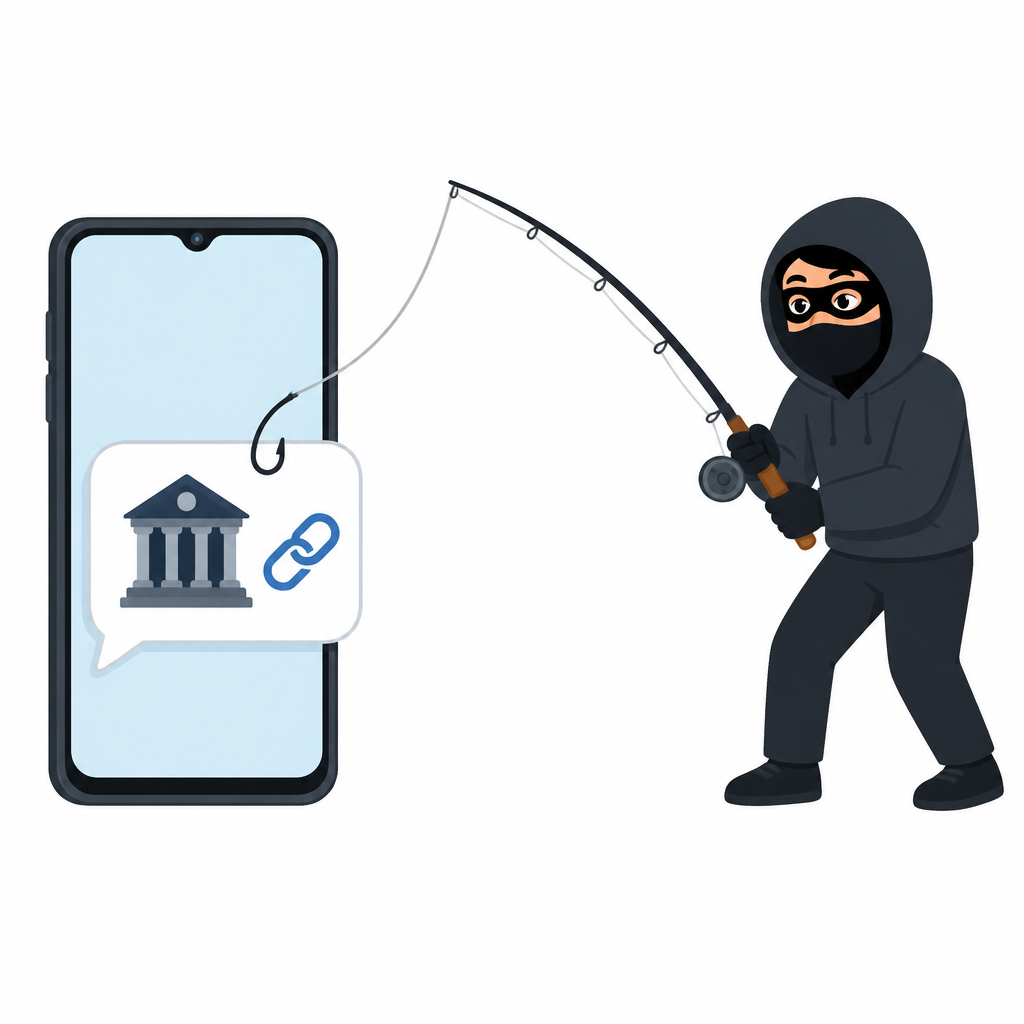
Phishing: here a cyber criminal creates trouble by trying to get private or sensitive information. The message pretends to come from a bank or a web service and tempts the reader to click a link and confirm details such as account information or passwords.
Botnet: a network of private computers infected by bad software and controlled by one single user. It is usually driven into harmful activity such as sending spam messages or refusing service to others.
Measures for Internet Security
Protecting data properly calls for a number of measures. When a network is to be kept safe, several internet security strategies have to be thought about together. Some of the measures used are these.
- Choosing a safe browser: every browser has its own security measures, but some carry serious faults that let a cyber criminal attack and exploit the machine. Only a safe browser should be used, so that the risk to the computer or the network stays low.
- Authentication: the process of checking whether the identity a user claims is true and real. Password authentication uses a password, physical authentication uses a card that can be scanned, a smart card or a digital certificate, and biometric authentication uses a signature, a fingerprint, visual recognition and several other means.
- Email security: email opens a wave of chances for viruses, worms, trojans and other unwanted programs. Setting up an email security strategy helps to cut that risk down. Email can also be protected with cryptography, for example by signing the mail, by encrypting the body of the message and by keeping the traffic between mail servers secret.
- Using a firewall: a firewall works as a filter that protects a device by refusing unauthorised access to the network. It decides whether something is safe or harmful, and so it can stop sensitive information on the computer from being stolen.
- Using antivirus software: antivirus software finds a virus, removes it and so saves the software or the data from attack.
- Using a password manager: it stores and organises passwords through encryption, and in that way it supports internet security.
- Using an endpoint security suite: it brings together a firewall along with apps such as antivirus and antispyware, and it gives internet security extra help.
Do not tell your password even to a friend, and never type a password or an account number after clicking an unknown link in an email or a message. A bank never asks for a password by email.
A strong password, up to date antivirus software and the habit of not clicking unknown links are three easy habits, and together they cut down most of the everyday risk.
The full lesson is waiting for you
The notes are free to read in full. A free account opens the rest of the practice, and tracks your progress and confidence score for every subject. Presentations and videos need approval from Learn Yeti.